 VLC Media Player
 English
 العربية
 Français
 Deutsch
 Español
 中文
中文 日本語
日本語 한국어
한국어 हिन्दी
 Русский
 Português
 ไทย
ไทย Türkçe
 繁體中文
繁體中文VLC is the world's most popular free video player. Whether you need to play movies, music, DVDs, or stream content, VLC handles it all with no codec packs, no ads, and no spyware. Here's what makes VLC the best choice for Windows and Mac users.
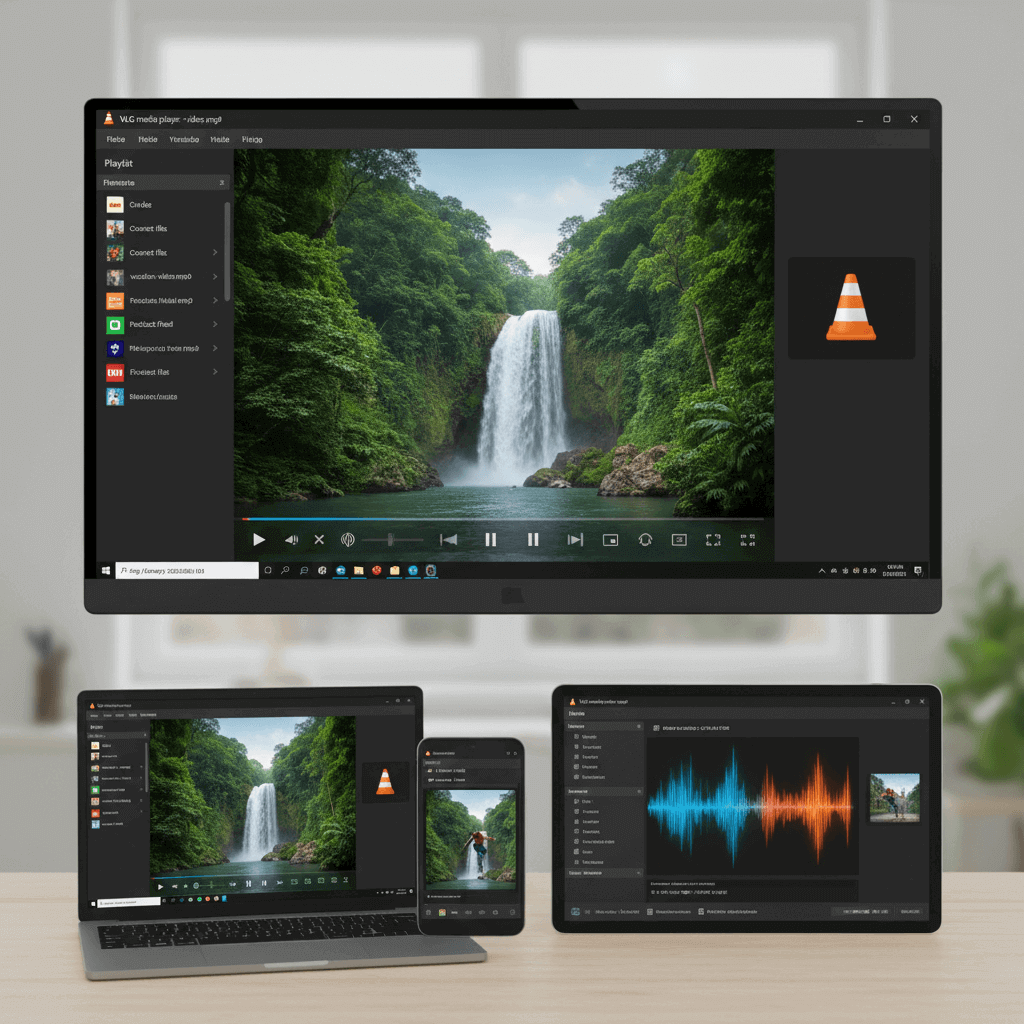
Cross-Platform Availability
VLC runs on Windows, macOS, Linux, iOS, Android, and more. The same powerful player, the same familiar interface, wherever you need it. This site focuses on Windows and macOS downloads.
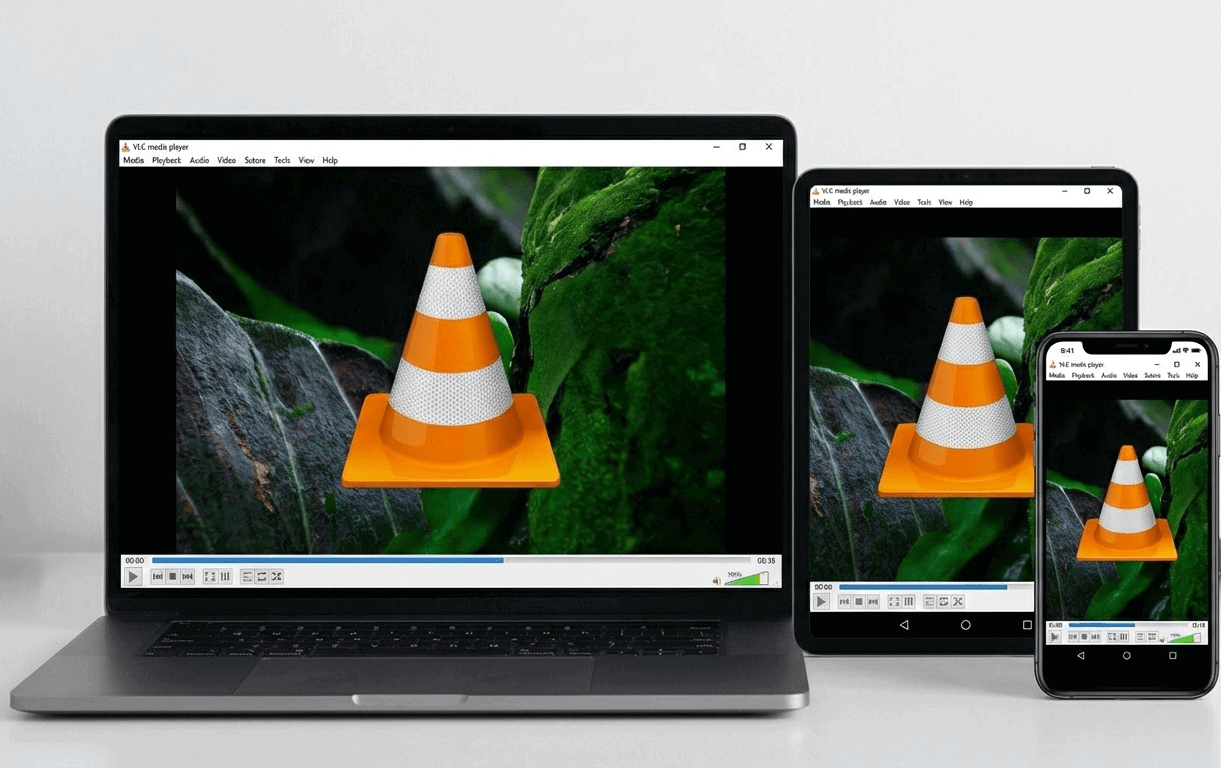
Plays Everything
Files, discs, webcams, devices, and streams. VLC handles MPEG-2, MPEG-4, H.264, MKV, WebM, WMV, MP3, FLAC, and hundreds of other formats—no codec packs required.
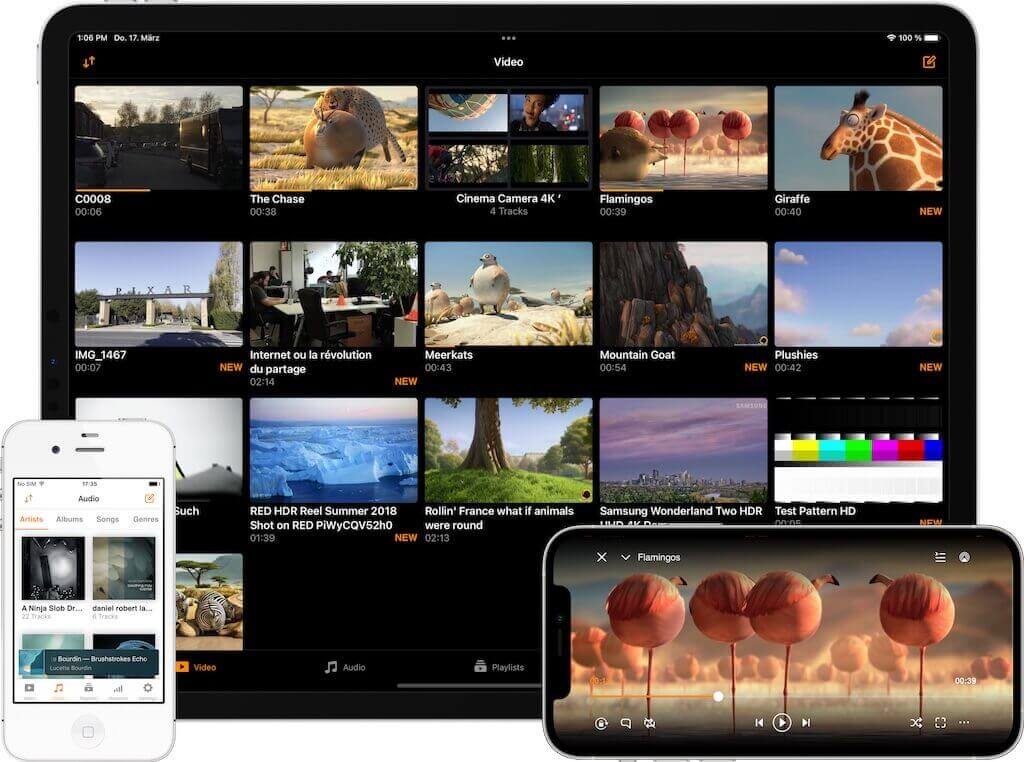
No Spyware, No Ads
VLC is completely free with no ads, no user tracking, and no bundled software. It's open-source and maintained by volunteers worldwide.
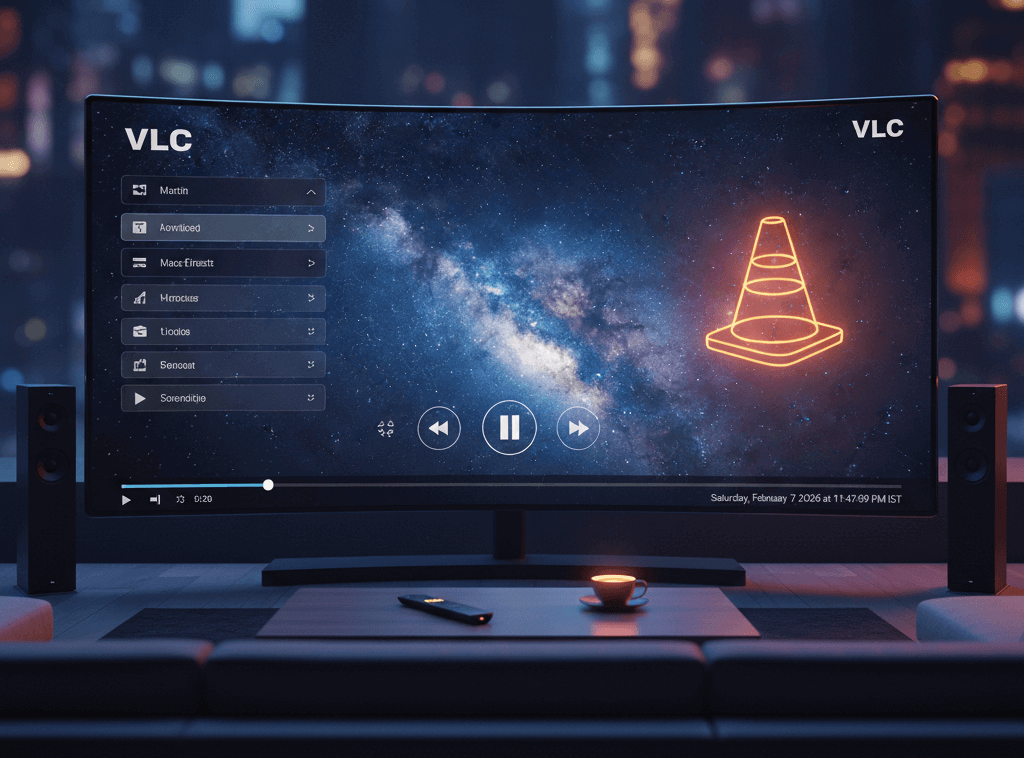
Streaming & Conversion
Stream media over your network or the internet. Convert files between formats. Add subtitles, apply video and audio filters, and customize your viewing experience.
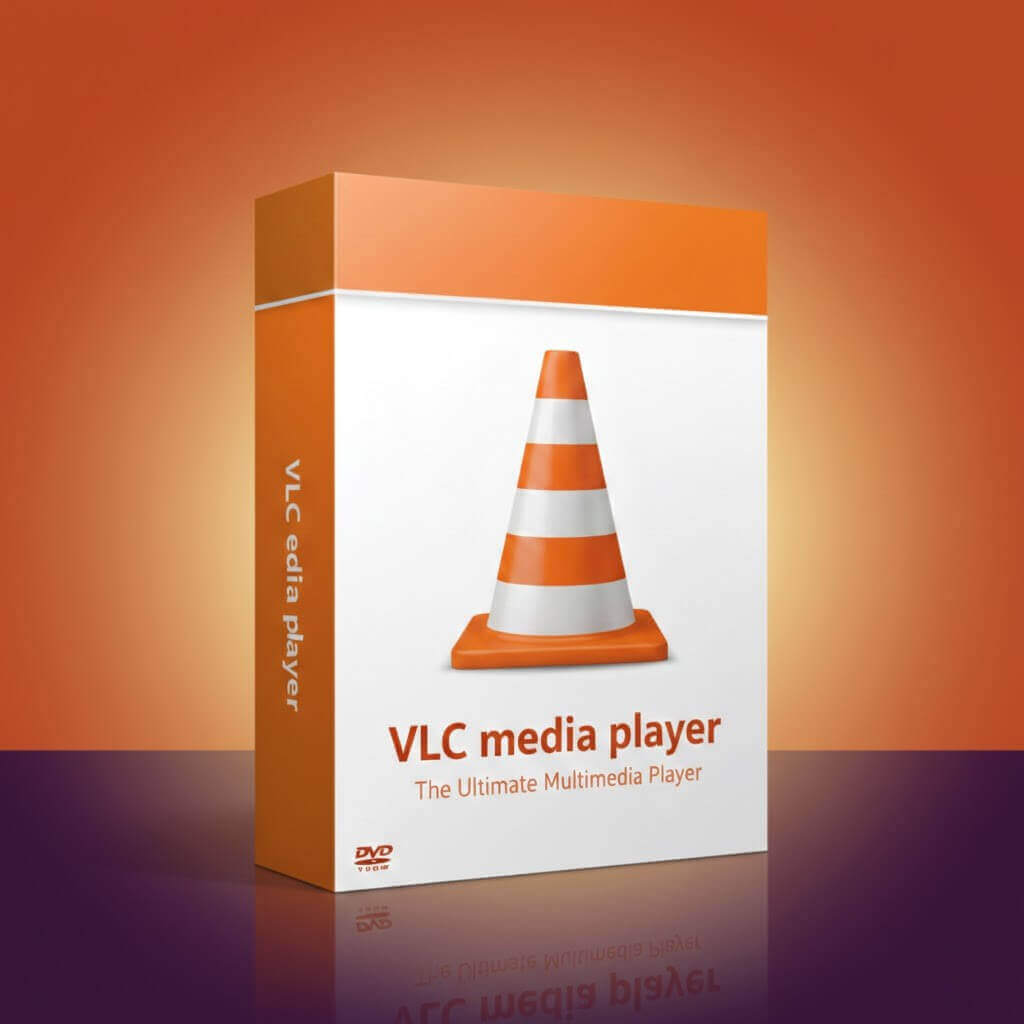
Hardware Decoding
VLC uses GPU-accelerated decoding on most platforms for smooth 4K and high-bitrate playback. Enjoy efficient, power-saving performance on your hardware.
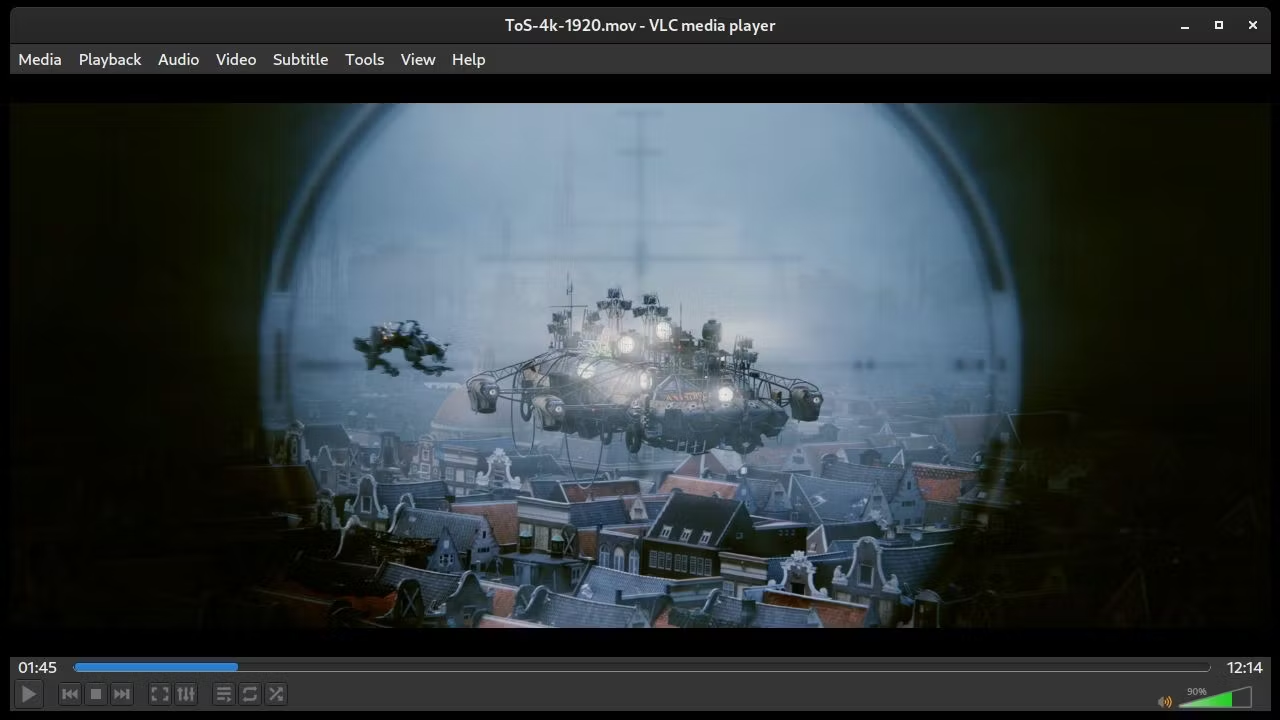
Advanced Controls
Customize toolbars, set hotkeys, adjust playback speed, synchronize subtitles, and apply real-time video effects. VLC puts full control at your fingertips.
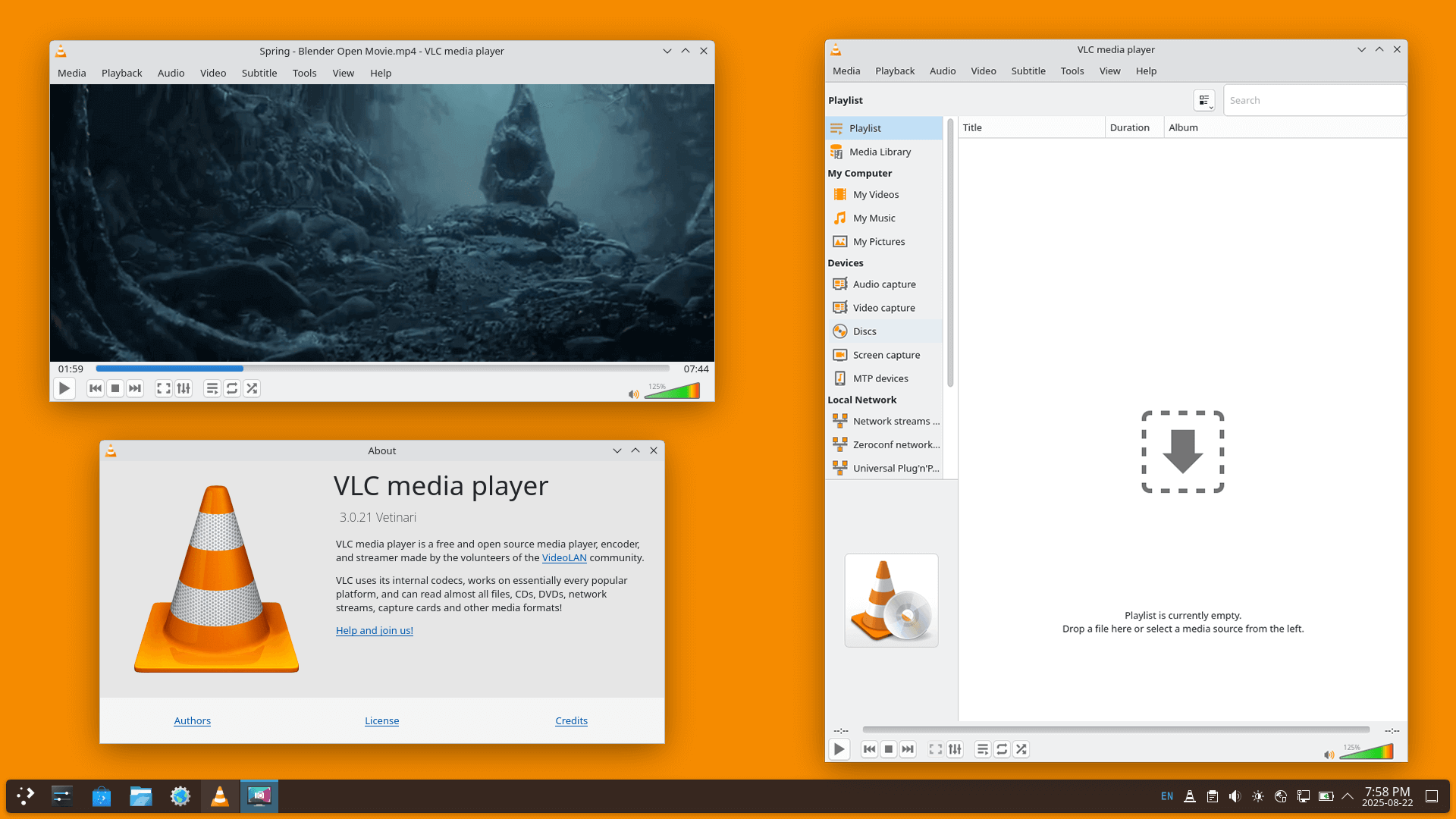
Runs on Linux Too
VLC is fully supported on Linux desktops including Ubuntu, Debian, Fedora, and more. Integrates seamlessly with KDE, GNOME, and other desktop environments.
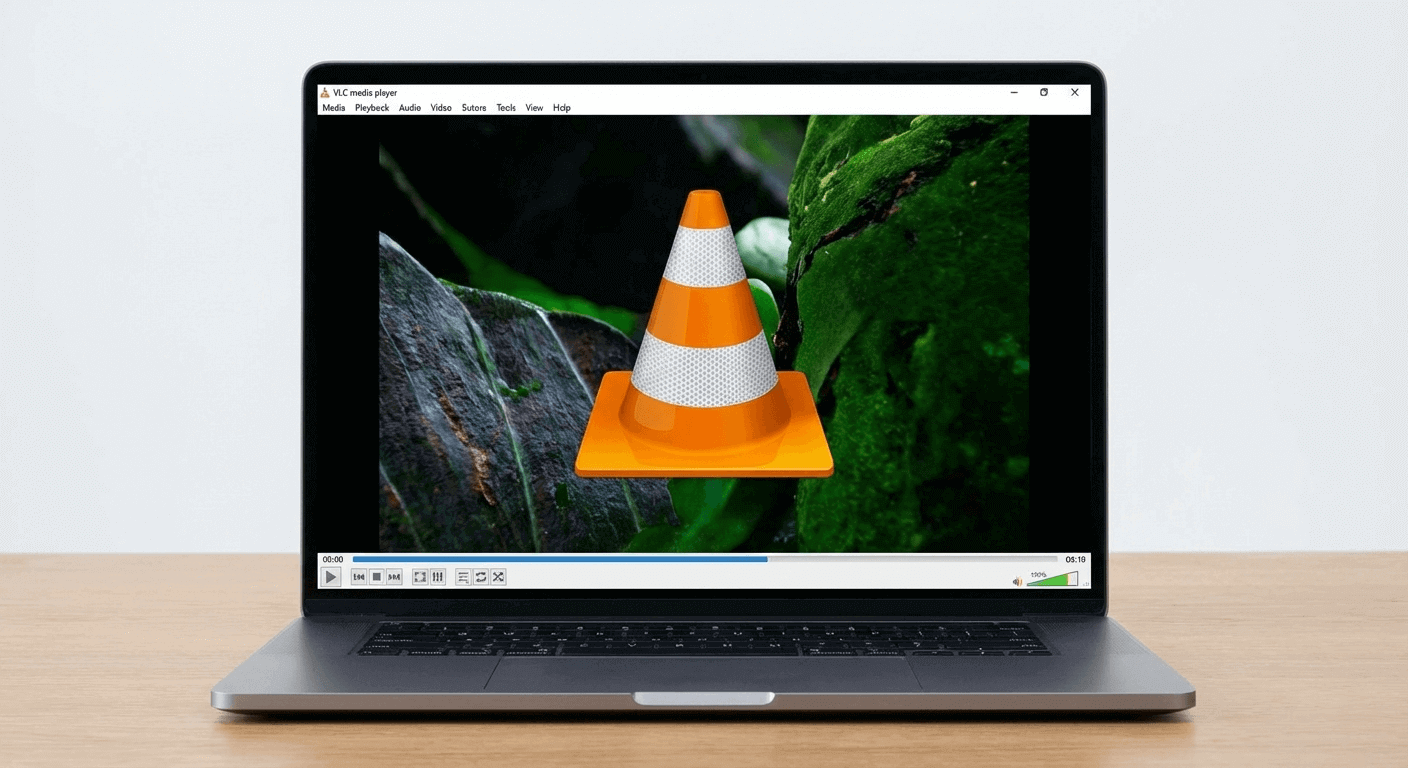
Native macOS Experience
VLC for Mac is optimized for Apple Silicon and Intel Macs. Enjoy native performance, full Retina support, and integration with macOS.
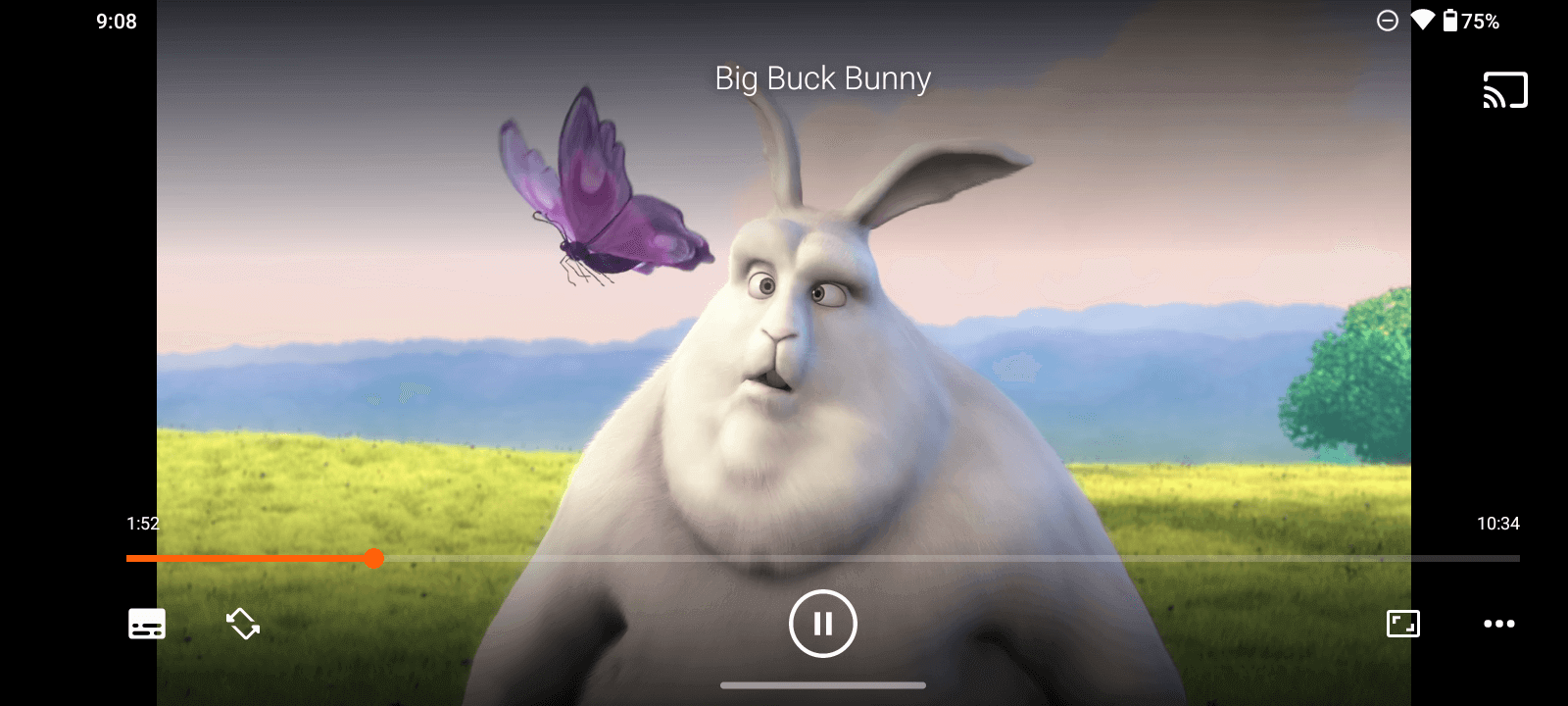
Mobile Support: Android & iOS
Take VLC with you. The VLC app for Android and iOS plays the same wide range of formats as the desktop version. Stream from your computer or play local files on the go.