 English
 العربية
 Français
 Deutsch
 Español
 中文
中文 日本語
日本語 한국어
한국어 हिन्दी
 Русский
 Português
 ไทย
ไทย Türkçe
 繁體中文
繁體中文Plays Everything
Files, Discs, Webcams, Devices, and Streams. One player for all your media.
Free & Open Source
The free and open-source multimedia player that plays everything.
VLC is a powerful, cross-platform multimedia player that plays most multimedia files, DVDs, Audio CDs, VCDs, and various streaming protocols—without needing any codec packs.

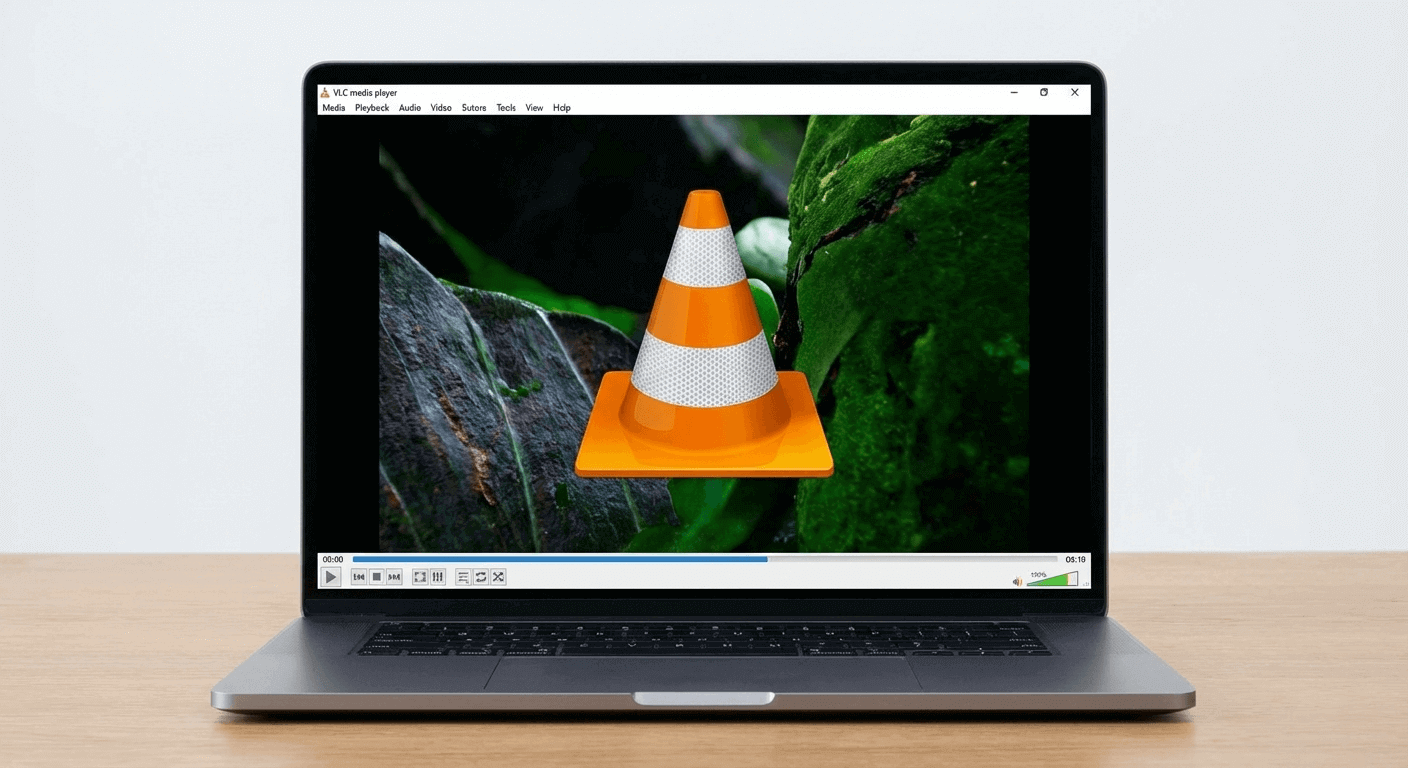
VLC runs seamlessly on Windows, macOS, Linux, iOS, and Android. Your favorite media player goes wherever you go, with the same powerful features and intuitive interface across all platforms.
VLC is simple, fast, and powerful. It plays most codecs out of the box and runs on all major platforms with no spyware or ads.
Files, Discs, Webcams, Devices, and Streams. One player for all your media.
Plays most codecs including MPEG-2, MPEG-4, H.264, MKV, WebM, WMV, MP3, and more.
Available for Windows, macOS, Linux, iOS, Android, and more. This page focuses on Windows and macOS.
No spyware, no ads, no user tracking. Truly free and open-source.
GPU-accelerated decoding on most platforms for smooth, efficient playback.
Video and audio filters, subtitle synchronization, effects, and more.
Convert media files into various supported formats easily.
Stream over networks and the internet with various protocols.
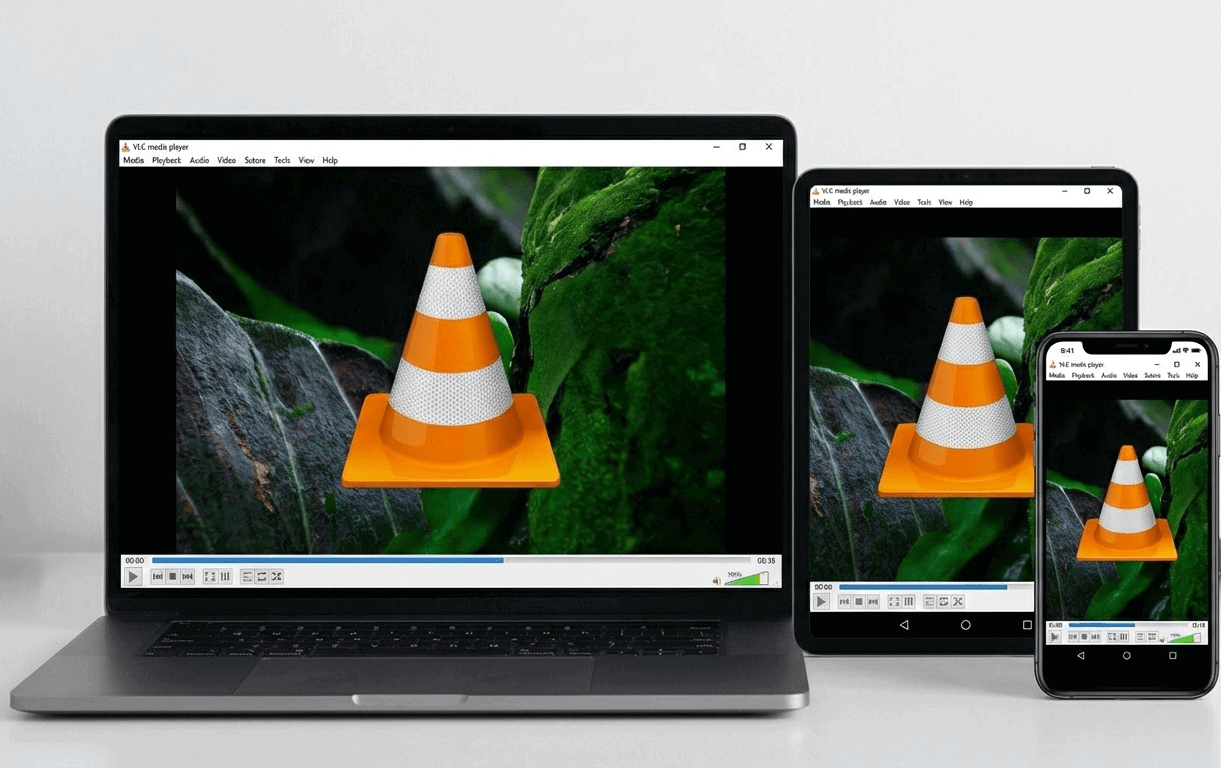
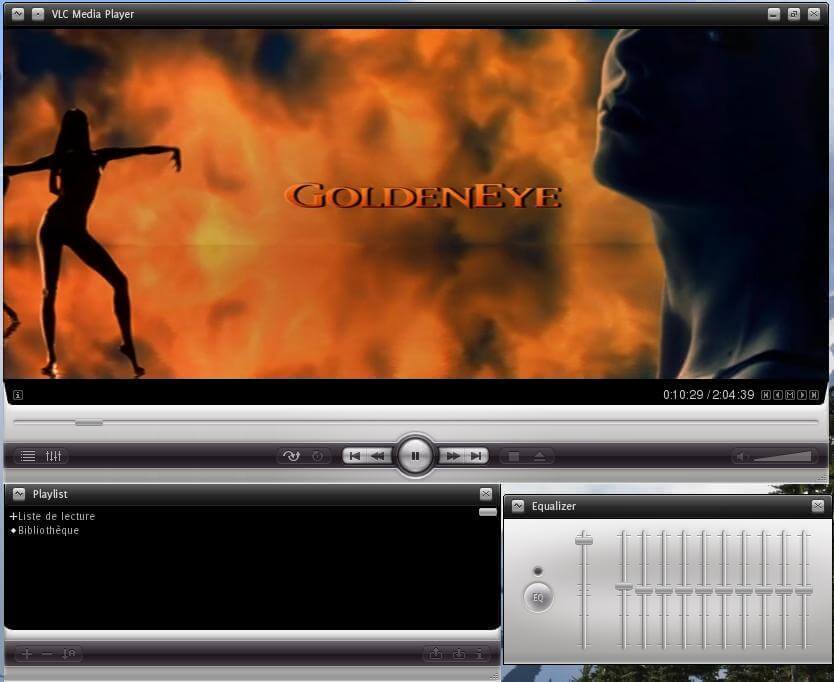
VLC on Windows offers a straightforward, efficient interface. Play multiple media files, manage playlists, and access all controls from one window. No clutter, no distractions.
VLC supports an extensive range of video and audio codecs, container formats, and streaming protocols.
Get VLC for Windows or macOS—completely free, open-source, and available now.
VLC is also available for Linux, iOS, Android, and other platforms.
VLC features a clean, intuitive interface that's easy to use and highly customizable.
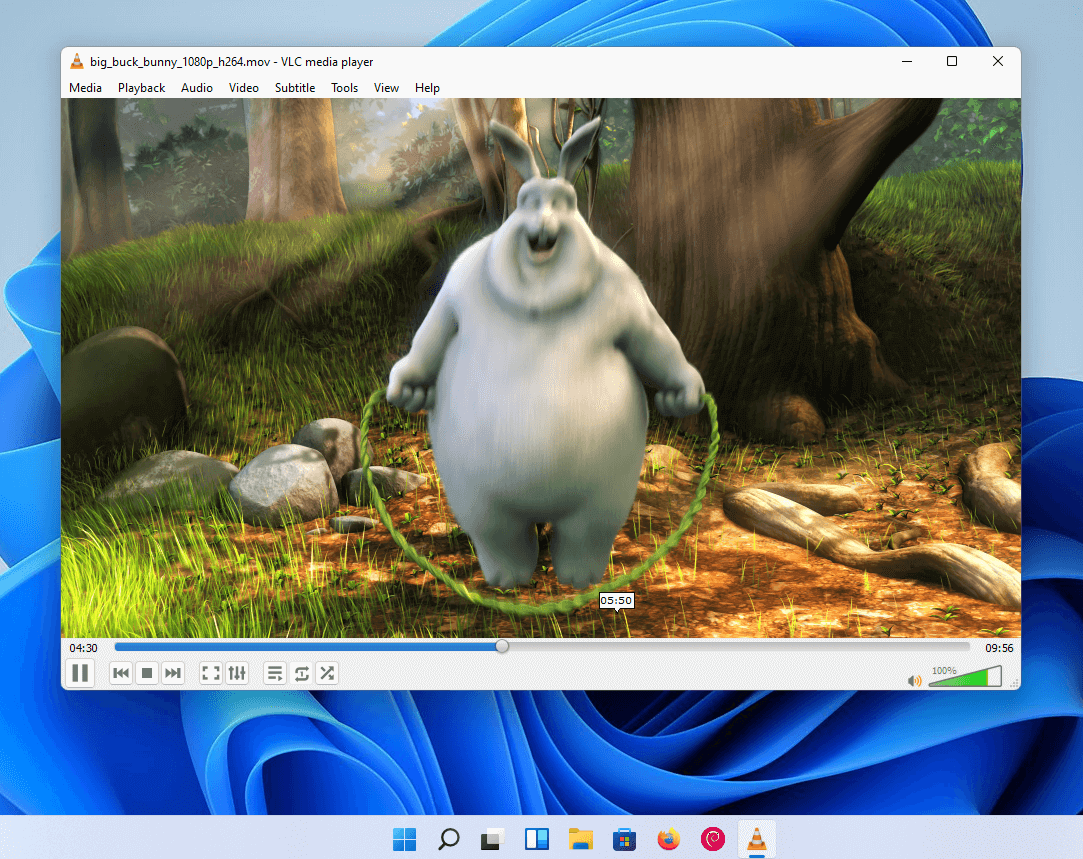
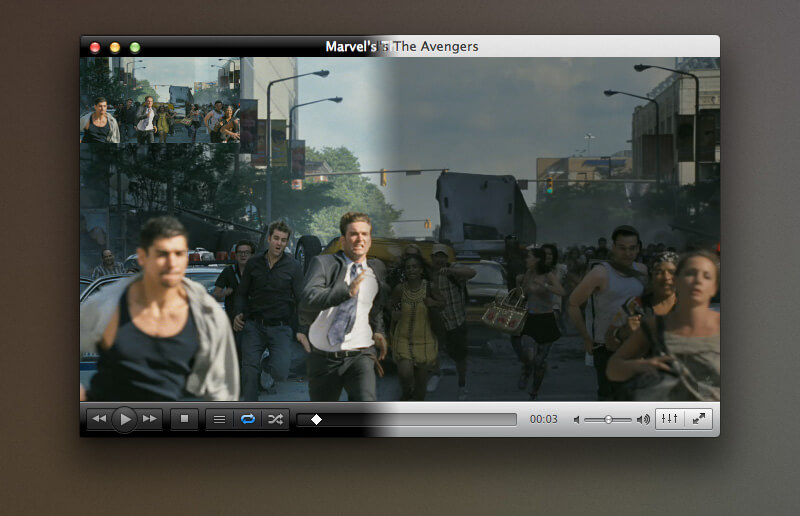
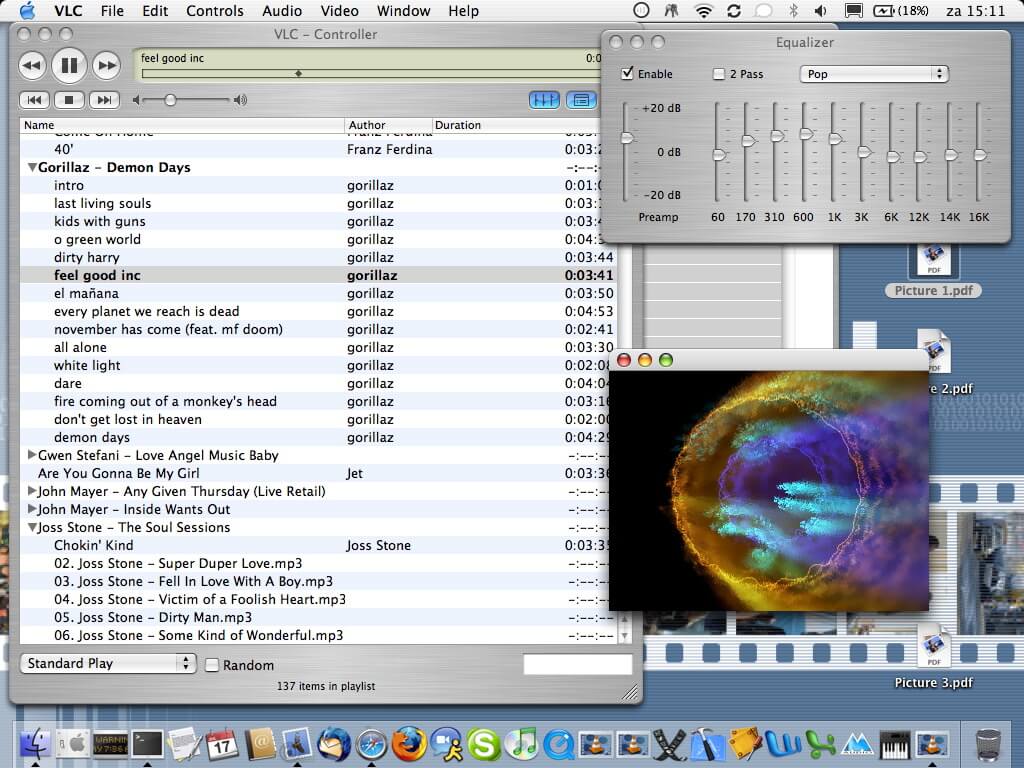
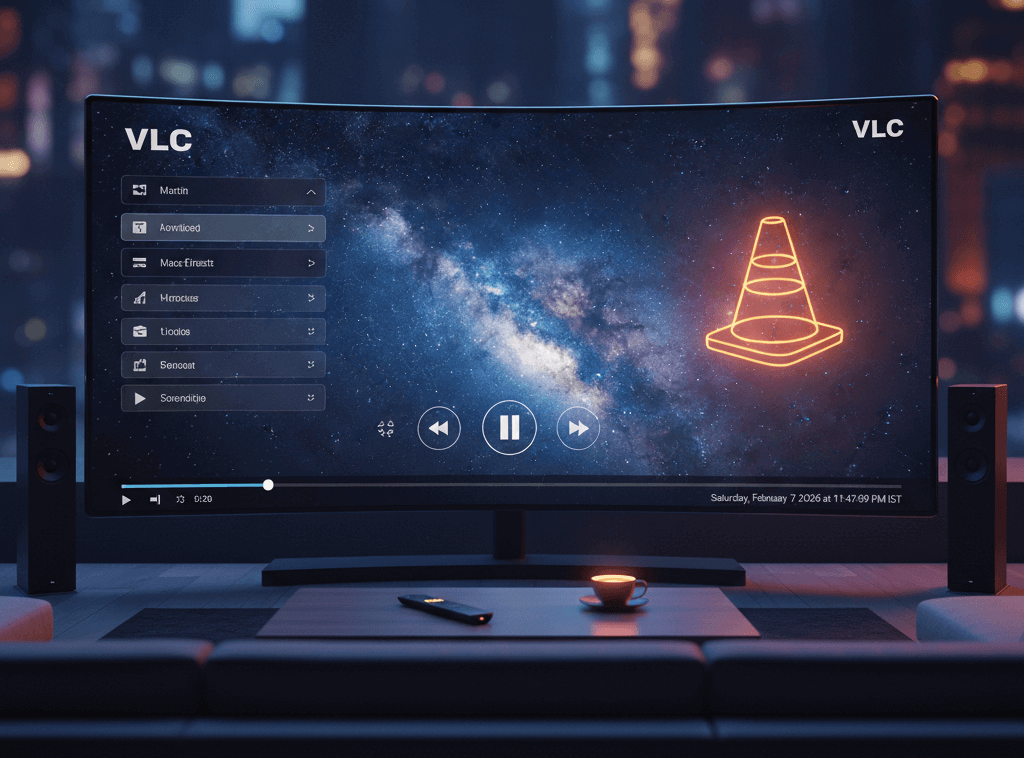
Enjoy your movies, music, and videos on any screen. VLC supports streaming to smart TVs, Chromecast, and other devices, turning your living room into a personal cinema.
VLC Media Player is a free, open-source, cross-platform multimedia player and framework that plays virtually any video or audio format. Whether you need a video player for Windows, a media player for Mac, or an audio player for your favorite music files, VLC handles it all without requiring additional codec packs.
Since its launch, VLC has become one of the most popular free media players worldwide. Users choose VLC for its reliability, versatility, and strong commitment to privacy. The player supports DVDs, Audio CDs, streaming protocols, webcams, and network streams—making it a complete multimedia solution for both casual viewers and power users.
VLC is completely free to download and use. There are no ads, no spyware, and no user tracking. The software is maintained by a non-profit organization and a global community of volunteers, and is licensed under the GNU General Public License. When you download VLC for Windows or VLC for Mac, you get a trustworthy media player with no hidden costs or bundled software.
VLC is maintained by a non-profit organization and a community of volunteers dedicated to providing free, open-source multimedia software.